
Resources
Start from the question.
Watch a real investigation, follow its evidence, or find the part of the manual that answers your question.
REAL CTK WALKTHROUGH
Watch an investigation unfold.
Two controlled local demos. Real application footage, with the observations and limits written out.
 1:13
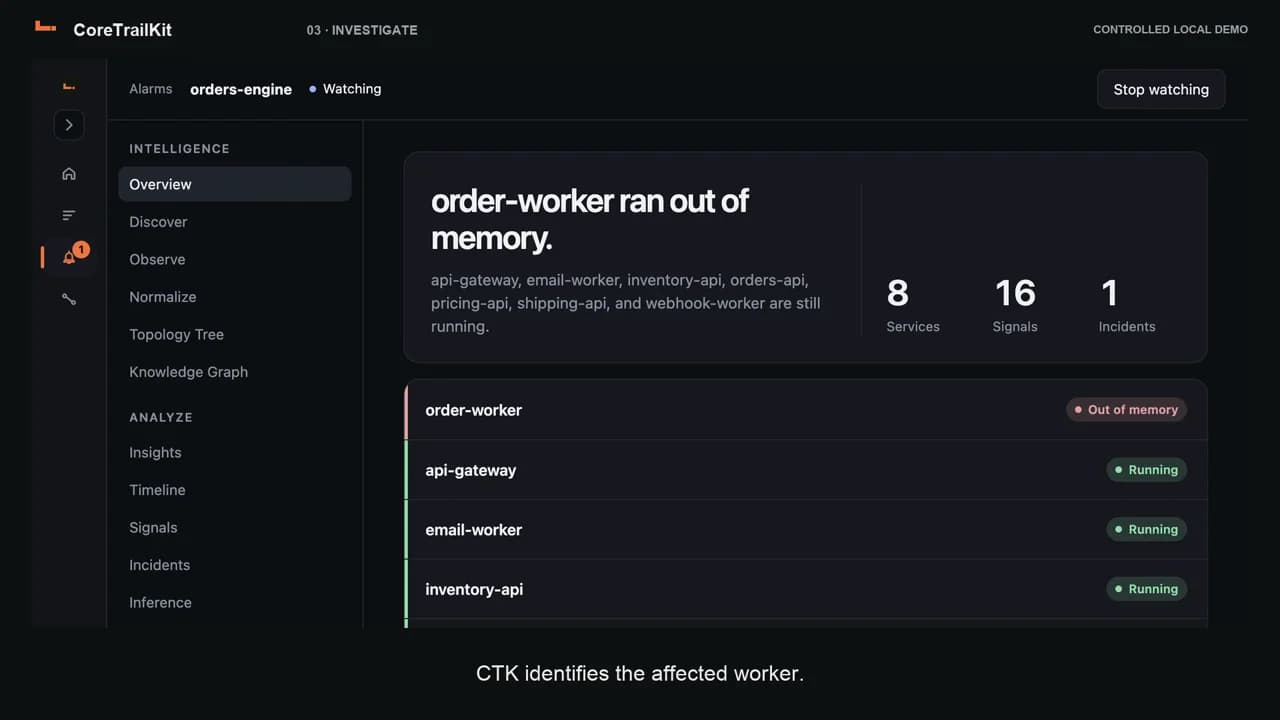
1:13From a Docker memory failure to a healthy worker.
A real CTK walkthrough: watch Docker services, inspect an out-of-memory alarm, reduce a worker’s batch size and check the recovered service state.
Watch and read the walkthrough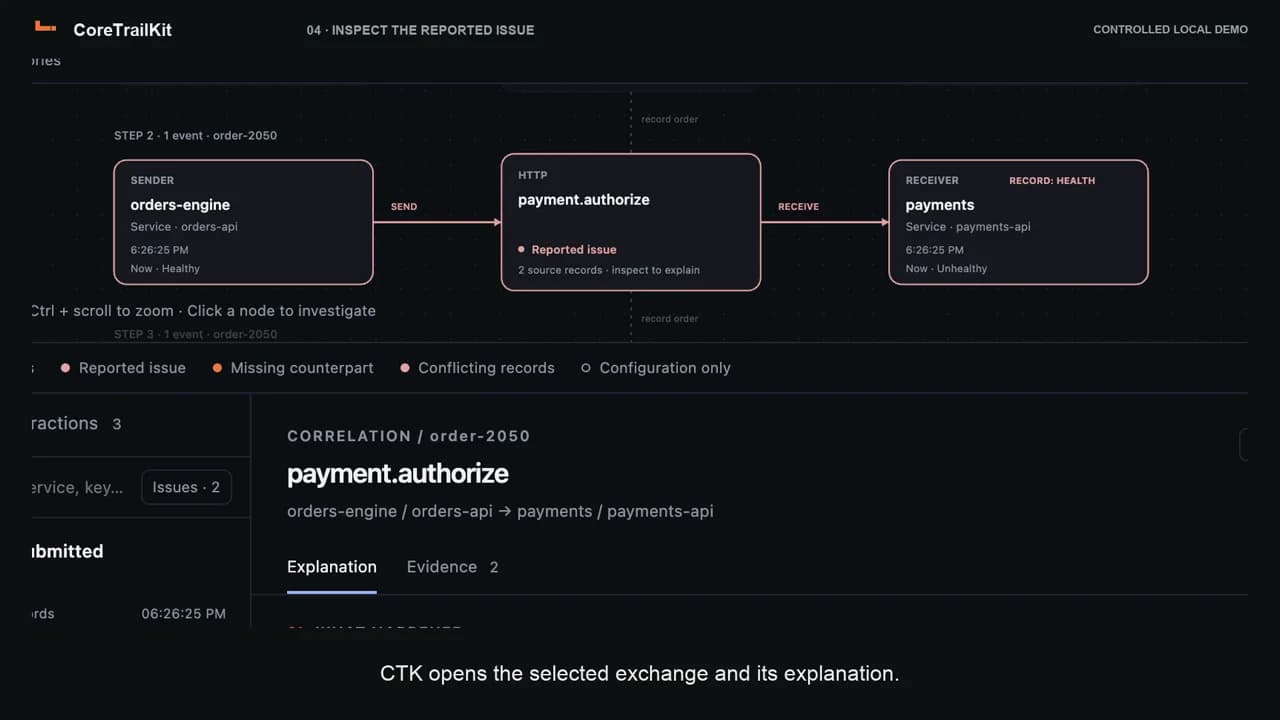 1:16
1:16One order. Three repositories. A specific exchange to inspect.
Follow order-2050 across three repositories in CTK. Select the payment exchange, read its reported issue and open the matching send and receive source records.
Watch and read the walkthroughCTK Community
Practical answers to development problems.
Technical articles and step-by-step fixes for Docker, SSH, Kubernetes and cloud services. No account required to read.
How to use this page
Pick the question. Open that part.
The material
What sits around the app.
Docs
The manual, from the account through stopping a watch.
Open docsThe reading
The fields the app keeps, and the rule that a log line is not a cause.
Open the readingDoors
How a project is running, and which of those ways this version can watch.
Open the doorsScreens
What each screen shows, and what it leaves blank.
Open the screens
This page
What belongs here.
What belongs here instead of Docs?
This page routes you. Docs is the manual.
Where is the cause written out?
Observe shows the full reading. Why contains only connector-reported evidence, such as an exit code, OOM flag or health-check output. A failed check does not by itself establish the underlying root cause.
How do I start using the app?
Download CTK without signing in. Open the app to sign in with your existing account or create a new one through your browser.
Does Core Trail Kit upload source code or logs to the cloud?
CTK does not upload source code, raw logs or workspace observations to its account service. Optional MCP access can share approved observations and relation evidence with your chosen AI client and provider after explicit project consent. MCP does not share source code or raw logs.
Which runtimes and containers does CTK support?
CTK observes repository-scoped local processes, existing Docker Compose services, processes launched with the repository’s start script and remote-folder processes over SSH. Team adds Kubernetes namespaces, selected AWS Lambda functions, EC2 instances and ECS services, plus Azure App Service/Function Apps and VMs. Kubernetes clusters may be local or remote. Cloud connections can be used independently or associated with a repository. CTK is not a system-wide launchd manager or port scanner.
The app
Leave the page and open the app.
An account on this site is the account in the desktop app.